- Article no.
- HBC-CLR-004
- Category
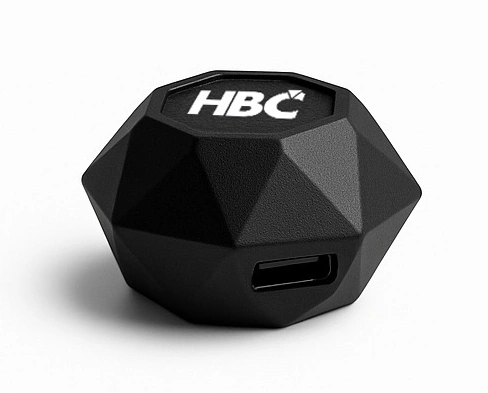
- Color scanner
- Workflow
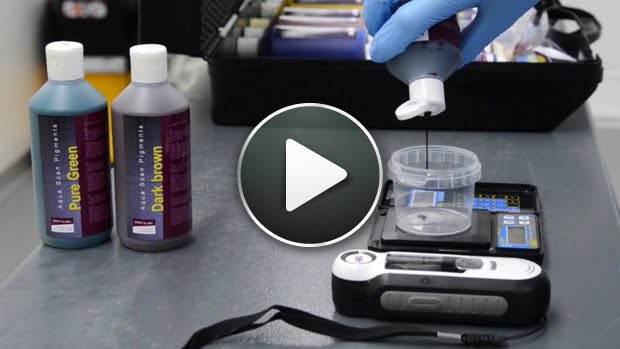
- One-click identification
- Result
- Automatic formula calculation
- Use case
- Wheels and interiors
- System role
- Colour identification route for wheel and interior repair workflows
- Workflow position
- Use before colour mixing or product selection where colour matching matters
- Control point
- Supports formula selection and reduces guesswork in colour-sensitive repair
- Best paired with
- Colour mixing systems, OEM wheel colour route, and interior repair systems
- Proposal check
- Confirm target surfaces, colour workflow, and formula support process
- Product role
- Wheel and interior matching
- Common applications
- Wheel color matching, Interior color matching, Formula setup
- Decision focus
- One-click color identification for workshops.
- Product tier
- Digital color identification route
- Choose when
- Choose Color Scanner when the workshop already has a paint or coating route and needs faster, more consistent color matching.
- Key difference
- The scanner identifies color and supports formulas; it is not the paint material system, repair kit, or application machine.
- Not first when
- Do not lead with the scanner before confirming the shop has the matching WP or B3 Aqua color workflow to use the data.
- Setup / training check
- Confirm workflow stage, damage type, volume, workspace, operator skill, consumables, and whether installation or training is required.
- Consumables / aftercare
- Plan operator training, consumables, repeat-use discipline, service notes, and the next product that completes the workflow.
- Next step
- Ask M&H to confirm the exact workflow sequence before quoting so the product fits the real repair process.